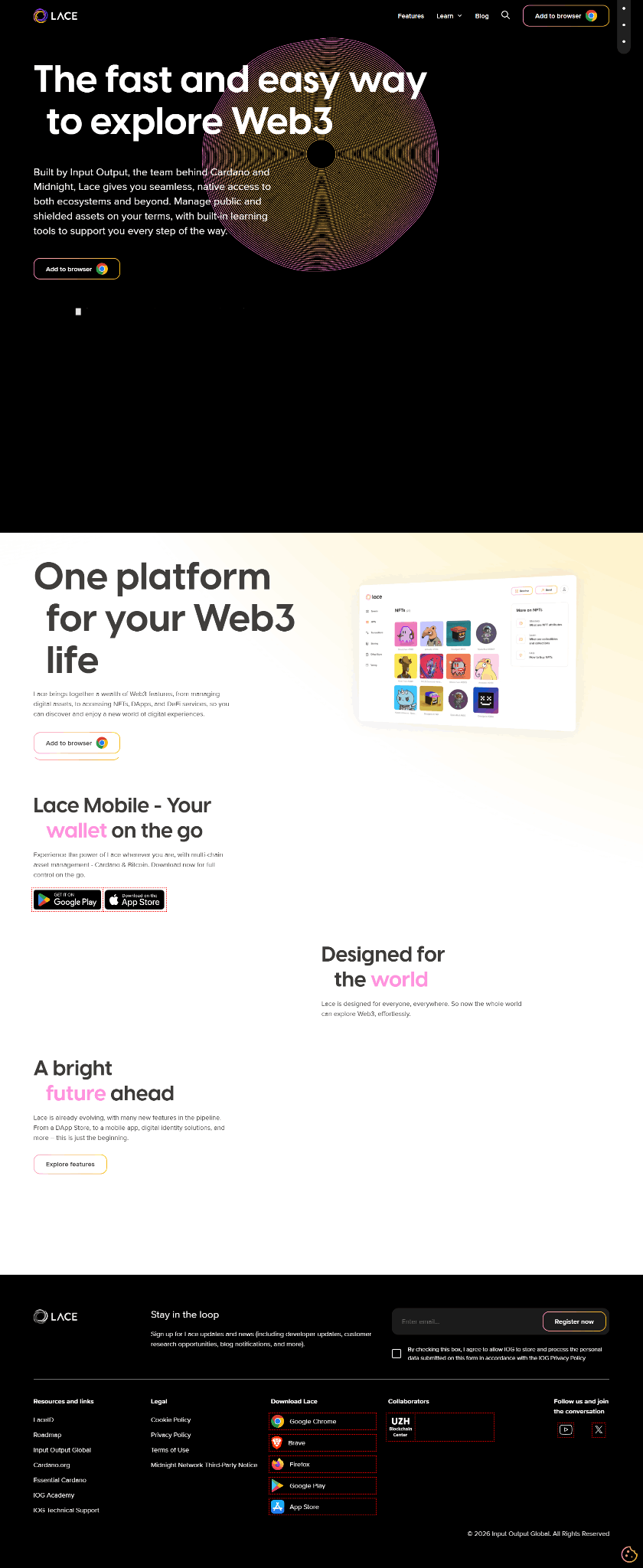
The Lace Wallet is not a simple plug-in for a single blockchain. It is a multi-chain wallet browser extension that currently integrates Cardano, Bitcoin, and the Midnight network, and supports hardware wallets such as Ledger and Trezor, as well as air-gapped signing devices like SeedSigner. Below is a complete usage guide for the Lace extension, covering installation, creation, security, and advanced features. Lace Security Reminder: Only Obtain Lace from the Official Website The only official source for Lace is lace.io. Do not download from search ads, forum links, or third-party mirror sites. After entering the official website, click the browser extension link to jump to the corresponding app store page. This is the most basic defense against phishing attacks. Step One: Install the Browser Extension Lace currently supports Google Chrome, Brave, Microsoft Edge, and Firefox. If you are using Chrome or Brave, search for “Lace” in the Chrome Web Store and confirm that the developer information is correct before installing; for Edge users, go to the Edge Add-ons store; Firefox users can install directly from the add-ons page on the official Mozilla website. After installation, it is recommended to pin the Lace icon to the toolbar for quick access. Step Two: Create a New Wallet or Restore an Existing Wallet After clicking the Lace icon, you will see two options: “Create a new wallet” and “Restore wallet”. If you are using it for the first time, choose to create a new wallet. The system will ask you to set a password—this password is used to unlock the extension locally in the browser and is not equivalent to your on-chain private key, but it still needs to be sufficiently complex. Next, Lace will generate a seed phrase (recovery phrase). This is the only proof of ownership of your assets. You must write it down on paper by hand and store it offline. Never save it in a notepad, cloud drive, or send it to yourself via social software. After writing it down, Lace will require you to verify the order of the words to ensure you have copied them correctly. Once verification is complete, the wallet is created. Step Three: Understand the Multi-Chain Structure and Add Corresponding Networks A distinctive feature of Lace is its “one wallet, multiple chains” design. During the onboarding process, you can choose the blockchains you want to enable. Currently, the main ones include Cardano (for managing ADA and native assets), Bitcoin, and Midnight (a privacy-focused network). If you only need Cardano, you can just enable that one. If you later want to add other networks, you can do so through “Add new wallet” in the settings or menu. It is worth noting that Midnight’s asset model is special: it includes unshielded tokens (such as NIGHT, with public transactions) and shielded tokens (with privacy protection). Lace allows you to manage these two types of addresses within the same interface, and you can also view the generation of DUST (the resource token used for privacy transactions on Midnight). Step Four: Connect a Hardware Wallet (Optional but Recommended) If you hold a large amount of assets, it is strongly recommended to use Lace in conjunction with a hardware wallet. Lace currently supports Ledger (Nano S, Nano X, Nano S Plus) and Trezor, and has added Bitcoin account import and transaction signing support in recent versions. The connection process is not complicated: first unlock your Ledger device, open the corresponding currency app (such as the Cardano app), then click “Connect Hardware wallet” in Lace, select your device from the list, and authorize it. This way, your private keys never leave the hardware device, and Lace is only responsible for constructing and broadcasting transactions. Additionally, Lace also supports SeedSigner—an open-source air-gapped signing device that completes signing through animated QR codes without the need for a USB connection. Step Five: Staking and Daily Management (Using Cardano as an Example) If you hold ADA, you can stake directly in Lace. Enter the “Staking” page, browse or search for a stake pool, and after selecting one, click Delegate. It should be noted that Cardano’s staking rewards are distributed according to epochs (each epoch is 5 days), and the actual receipt of rewards usually takes 15 to 20 days, so don’t worry if you don’t see an immediate increase in your balance. You can also perform “multi-staking,” distributing your ADA across multiple pools to balance risk and returns. For NFT and native asset management, Lace has a built-in NFT tab where you can view the NFTs you hold. When connecting to DApps (such as NFT marketplaces or DeFi protocols), Lace will pop up a window to request authorization, and you need to enter your wallet password to confirm the transaction. Step Six: Testnet and Developer Experience If you want to test new features on the testnet, Lace supports the Cardano Preview and Preprod testnets, as well as the Midnight testnet. Taking Midnight as an example, after creating a wallet, you can obtain test tokens (tDUST) from the official Faucet, then use them to interact with test DApps. This is very useful for developers or users who want to try new features at zero cost. Final Reminder Lace is a non-custodial wallet; you are fully responsible for your own keys. The official team will not proactively contact you to request your seed phrase or password. Whether you are installing the extension, connecting a hardware wallet, or authorizing a DApp, verify the source of the information and the URL. If you encounter problems, prioritize checking the official help documentation on lace.io or contacting official support channels.